Quickstart
By the end of this page you will have an Agent that has written a file on its own Computer, and you will have opened that file yourself. You need a browser and an email address.
-
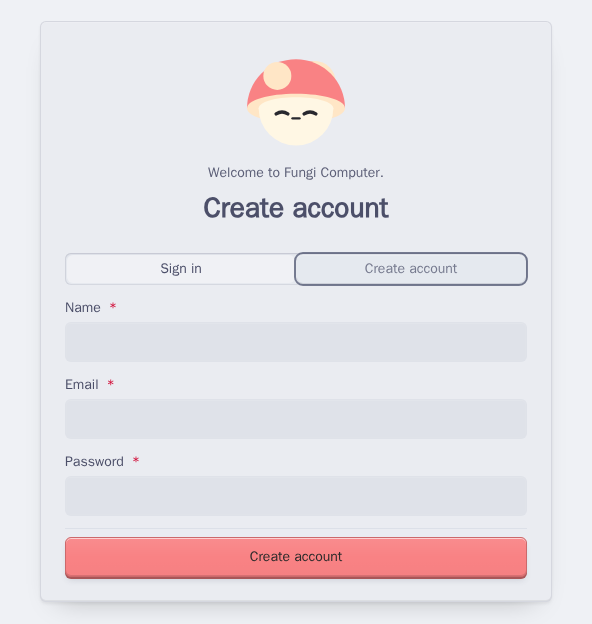
Make an account. Go to my.fungi.computer and choose Create account. Enter your name, email and a password.
-
Make a Team. A Team is where your Agents, Computers and Apps live. Under Create a Team, give it a name and a handle, then choose Create Team. The handle is a short lowercase name, like
garden. You can invite people later from Members. -
Open Grove. Open your Team’s workspace. Grove is the App where you talk to Agents. If Grove isn’t open already, choose it from the mushroom menu at the top.
-
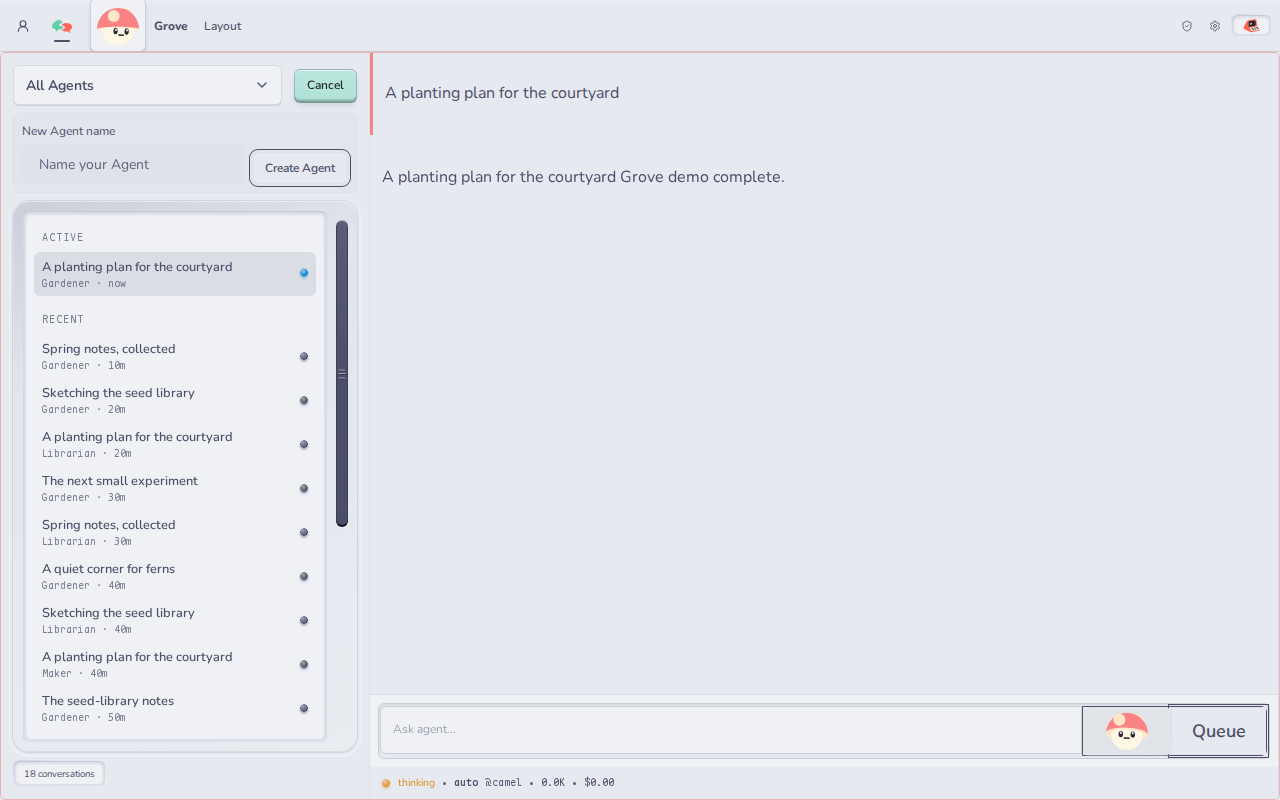
Create an Agent. Choose Create Agent, name it, and choose Create Agent again. Fungi gives every new Agent its own Computer, so there is nothing else to set up.
If Grove says Agent creation needs approval, choose Open Grove permissions and allow it. Apps ask before they act for you.
-
Give it a job that needs its Computer. Type this and press Send:
Make a folder called notes. In it, write hello.md with three ideas for aweekend project. Then list the folder so I can see it worked.As the Agent works, each tool it uses shows up in the conversation as a card. Open a card to see what the Agent sent, like the file it wrote or the command it ran, and what came back. That is the Agent using its Computer.
-
Open the file yourself. Open Inkcap from the mushroom menu. Find
notes/hello.mdin the file tree and open it. Change a line and save. Ask the Agent to read the file again and it will see your edit, because you are both working on the same Computer.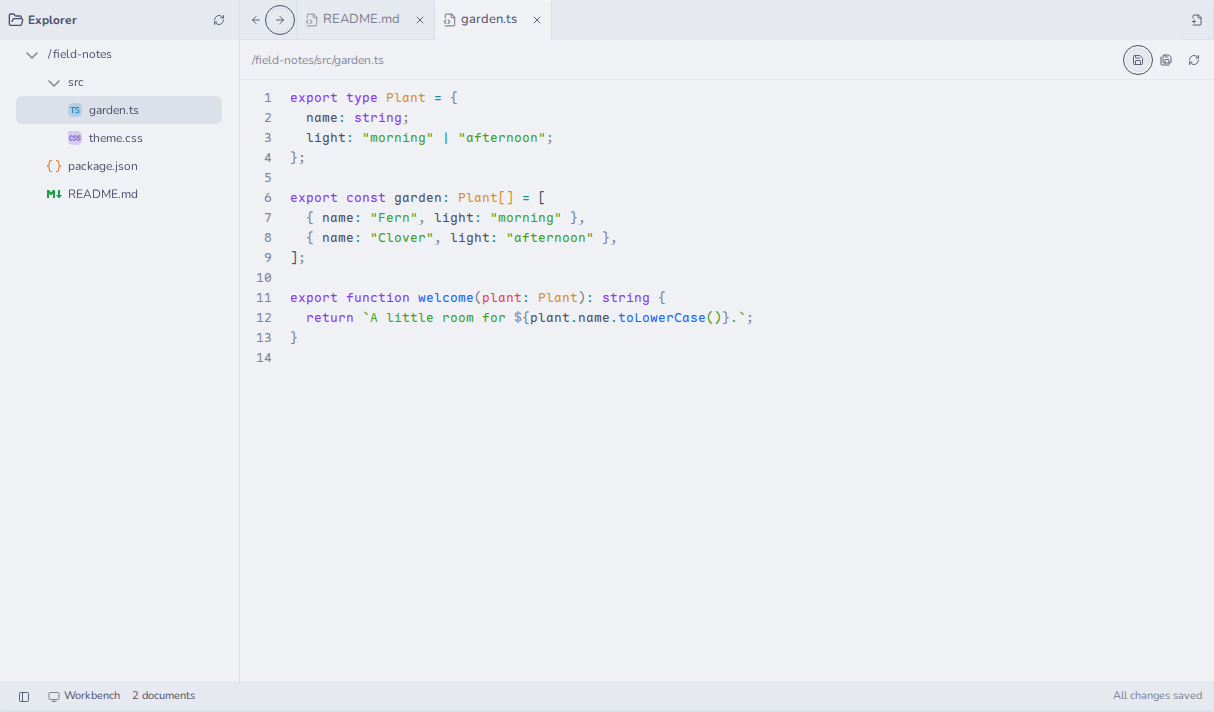
What just happened
Section titled “What just happened”You made a Team. You made an Agent, and Fungi gave it a Computer. The Agent used that Computer through its tools, and you used it through an App. Both of you saw the same files.
- Connect GitHub so your Agent can clone your code.
- Call Fungi models with a Team key from your own scripts.